
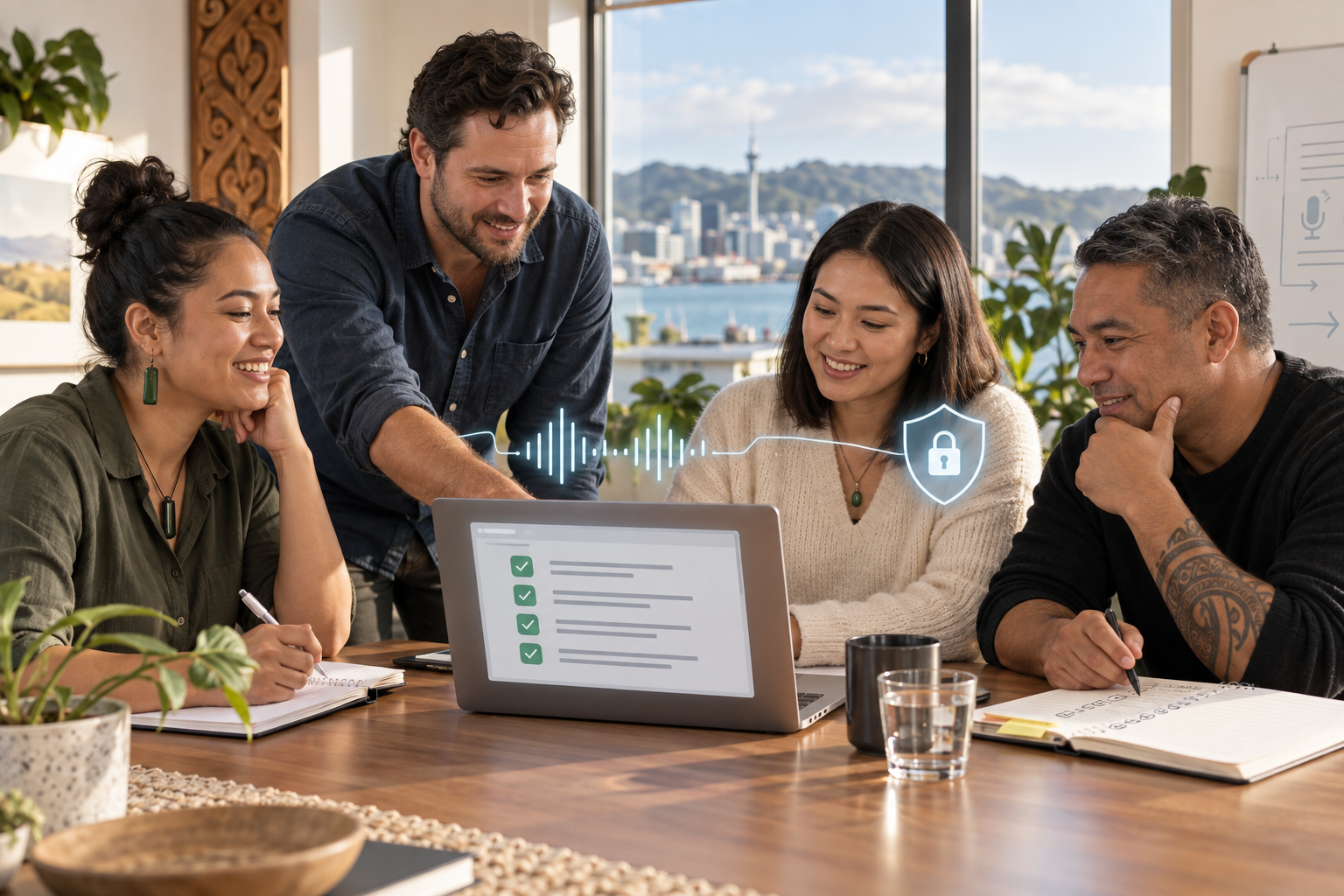
Meetings are often where a small business makes its most important decisions and loses the most useful detail. One person is listening to a customer, another is thinking about a deadline, and the person who normally writes the notes is trying to keep the conversation moving. By the time everyone returns to their day, the agreed action may be remembered in three different ways.
That is why AI meeting notes NZ searches are becoming more practical than futuristic. Used carefully, an AI note-taking workflow can create a first draft of the discussion, identify possible actions and make follow-up easier. Used casually, it can record sensitive information without a clear purpose, flatten a nuanced conversation into a confident-looking summary, or make people feel watched.
The useful question is not whether a tool can transcribe a meeting. It is whether your business can introduce meeting assistance with consent, a defined purpose, good information handling and a person who checks the result before it is relied on.
A safer meeting workflow begins before anyone opens the recorder.
Start by deciding which meetings genuinely benefit from assistance. A routine internal planning meeting may be suitable. A private conversation about a person’s health, a dispute, a confidential negotiation or a customer’s sensitive circumstances may need a different process, or no recording at all. The more harmful a mistake would be, the stronger the case for human notes or a tightly controlled system.
Write a short meeting rule in plain language. It should say why notes are being created, who can access them, where they are kept, how long they are retained and who is responsible for correcting errors. Staff should know that a generated summary is a draft record, not an unquestionable transcript.
Ask for informed agreement
Participants should be told before the meeting begins if audio, video or a transcript will be created. Explain what will happen in a sentence that a normal person can understand. Give people a reasonable way to raise a concern or request ordinary human notes instead. A consent process should not be hidden in a long invitation or treated as a box to tick without explanation.
For customer and supplier meetings, the chair should make the notice part of the opening. For internal meetings, include the policy in the calendar invitation and repeat it when the recording starts. If someone objects, pause and decide whether the meeting can continue without the tool. Recording a meeting is not automatically necessary just because the software makes it easy.
Choose low-risk meetings first
A small team can learn a lot from a low-risk pilot. Choose a weekly operations meeting where the expected output is a list of tasks, owners and dates. Avoid customer complaints, employment matters, medical information, legal advice and commercially sensitive negotiations at the start. The aim is to test the workflow, not to prove that every conversation should be captured.
Before the pilot, write down the meeting’s success measure. It could be fewer missed actions, faster distribution of notes or less time spent formatting a summary. It should not be a vague promise that the tool will make everyone more productive. Compare the generated notes with a human check and ask whether the improvement is worth the extra information risk.
Keep the human in charge of the record
AI can mistake a name, a number, a deadline or the person who agreed to do a task. Accents, background noise, technical language and people speaking over one another increase the risk. A summary can also remove uncertainty. A participant who says we might review this next month may appear to have committed to a review next month.
Make review a visible step. The meeting owner should check the title, attendees, decisions, action owners, dates, unresolved questions and important qualifications. Ask one useful question: would a person who was not in the room make a different decision after reading this summary? If so, edit it before sharing.
Do not let a generated note silently become the source of truth for an invoice, a customer promise, a performance decision or a safety action. Those decisions should be checked against the original context and the responsible person should confirm them.
Protect personal and confidential information
Information protection begins with the tool and the settings, but it does not end there. Check where recordings and transcripts are stored, who can search them, whether access can be limited by role and how deletion works. Understand whether content is retained for service improvement or used to train a model. If those answers are unclear, do not put sensitive business or personal information into the workflow.
Use the least information needed. A meeting summary may be enough; keeping a full audio file forever rarely is. Set a retention period that matches the business purpose, then remove the recording when the period ends. Keep the final, corrected actions in the system where the team normally works, with access limited to people who need them.
New Zealand businesses also need to think about information sent or stored outside the country. The location of a service is not the only issue, but it is part of understanding the risk. Ask whether the service provider can meet your privacy and security expectations, and document the decision rather than relying on a verbal assumption.
Make summaries useful for real people
The best format is usually simple. Start with a short purpose statement, then list decisions, actions, owners, due dates and questions needing follow-up. Separate confirmed decisions from suggestions. Mark anything that requires verification. Avoid a long block of prose that makes a reader hunt for what they need to do.
Give the team a correction window. For example, the meeting owner can share a draft on the same day and invite corrections before the summary is filed. Keep a record of material corrections when the meeting affects a customer, a project commitment or a regulated process. That creates accountability without pretending that a generated transcript is perfect.
Handle sensitive meeting types differently
Some meetings deserve a higher bar. In an employment discussion, recording may affect trust, confidentiality and fairness. In a health-related setting, the information may be highly sensitive. In a dispute, a careless summary may be mistaken for a complete record. In a legal or financial matter, the tool should not be treated as a substitute for a qualified professional or an official record.
For these meetings, consider human notes, a tightly limited summary, or a separate approved process. If an AI tool is used, define who can access the output, what must be checked and when the underlying material will be deleted. If the consequences of an error are serious, the cost of careful manual work may be the responsible choice.
A simple rollout plan for a small business
Week one is for mapping the problem. Count how often actions are missed and identify the meeting types involved. Week two is for choosing a low-risk pilot and agreeing on the notice, retention and review rules. Week three is for testing the workflow with a small group and recording corrections. Week four is for deciding whether the benefit is real, the controls are workable and the process should expand.
Give one person ownership of the workflow, but do not make that person the only reviewer. Staff should be able to report a wrong summary, an inappropriate recording or an access problem. Review the process after a few meetings and whenever the tool, data or purpose changes.
What responsible use looks like
Responsible AI meeting notes are not about making a room silent while software does the remembering. They are about helping people focus while preserving consent, context and judgment. A well-run workflow makes it clear when assistance is being used, keeps only what is needed and treats every summary as something a human must own.
If your team can explain the purpose, ask for agreement, limit the information, check the result and delete what no longer has a business reason to exist, AI meeting notes may be a sensible operational improvement. If it cannot, start with better human note templates and revisit the technology when the foundations are ready.
Frequently asked questions
1. Are AI meeting notes legal in New Zealand?
There is no single yes-or-no answer for every meeting. The business should consider consent, purpose, privacy, security, employment relationships and the sensitivity of the information. Get specific professional advice for high-risk situations.
2. Do I need to tell everyone that a meeting is being recorded?
You should give clear notice before recording or transcription begins and explain the purpose. Do not assume that joining a meeting means every participant has agreed to an undisclosed recording.
3. Can AI meeting notes replace a meeting secretary?
They can reduce formatting and first-draft work, but they should not replace human ownership of decisions, actions, corrections or sensitive records.
4. What meetings are best for a first pilot?
Choose routine, low-risk internal meetings with clear actions. Avoid sensitive personal, employment, legal, medical and dispute-related discussions until the controls are proven.
5. How long should meeting recordings be kept?
Keep recordings only for as long as there is a documented business reason. A corrected action summary may be all the team needs after review.
6. What should a human check in an AI summary?
Check names, decisions, action owners, dates, qualifications, unresolved questions and anything that could affect a customer, worker, payment or safety outcome.
7. How can a small business reduce privacy risk?
Use a business-approved service, limit access, minimise sensitive information, understand retention and overseas storage, and delete recordings when the purpose ends.
8. What is the safest first step for using AI meeting notes NZ teams can trust?
Write the purpose, notice, retention and human-review rules before choosing a tool, then test them in a low-risk meeting and measure whether the benefit justifies the risk.

Leave a Reply